Level up your expertise with the Patrick Curtis – VBA Macros In Excel Course course—now only Original price was: $97.00.$28.00Current price is: $28.00. on GiOlib.com! Join a community of smart learners and access 60,000+ expert-led digital courses across Business and Sales. Save over 80% and master new skills at your own pace.
Purchase Patrick Curtis – VBA Macros In Excel Course courses at here with PRICE $97 $28

Introducing…
The Wall Street Oasis
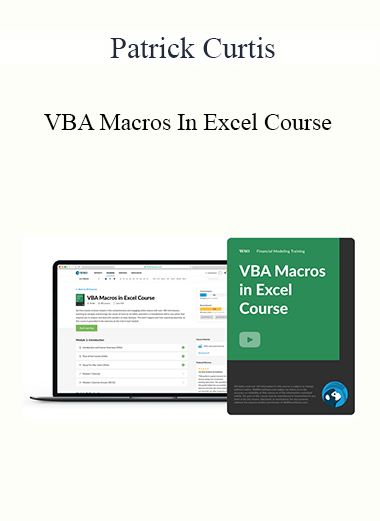
35+ lessons, 3+ hours of video & a comprehensive capstone case study
In this module, we use 3 video lessons to explain code syntax and best practices on how to gain maximum efficiency when writing code. This includes a tutorial on how to build macros and guidelines to make sure you are building good habits for coding.
In this module, we use 3 video lessons to build the fundamental blocks necessary to write more complex code. This module includes a step-by-step guide on how to reference macros, reference a range, and edit cells.
In this module, we use 4 video lessons to continue building on our fundamentals by learning two Copy/Paste methods and how to declare a Variable. This module includes a walkthrough of several types of variables within Excel.
In this module, we use 3 video lessons to learn how to troubleshoot errors within our code and display user instructions using message boxes. We wrap up this module by exploring a new referencing technique through named ranges.
In this module, we use 8 video lessons to dive into more complex range functions and learn about logical statements that will wrap up the basic fundamental building blocks necessary to write VBA code.
In this module, we use 4 video lessons to learn how to make our code dynamic so that our Excel macros can be used in any situation. We wrap up the module by learning several suggestions for learning VBA code.
In this module, we use 3 video lessons to build on the previous module by learning how to record Macros and manipulate a recorded Macro. This module includes a step-by-step guide on how to dissect a recorded Macro to improve and streamline code.
In this module, we use 7 video lessons to work through a case study using all the VBA Macros and techniques we have learned so far. This include includes creating a Yes/No box, using For…next loops with an IF statement, and repurposing our code for future projects.

Management of the Burn Patient - Dr. Paul Langlois
Tai Chi Chin Na - Yang Jwing Ming
007s Guide to a Womans Heart – Elite Training Bundle
Epic Sequel Fous 4×2
ZTradeCZAR Master Options Trader - Ztradeczar
Dealmaker Empire - Carl Allen
10x Wealth and Business New – Brendon Burchard
12 Major Candlestick Signals - Stephen W.Bigalow
$1K A Day Fast Track – Merlin Holmes
'MAGNETIC INFLUENCE' - Magnet for Money, Charisma, Confidence! - Dani Johnson
$42000 Mastermind Manuscript 2008 - Rich Schefren
Copywriting For Creatives - Ashlyn Carter
'Quantum' Chakra Clearing and Balancing Series - Jonette Crowley
Grow Your Blog Fast - Brian Dean